 Valebound
How to set up a bill payment calendar so nothing is missed
A bill payment calendar is a month view with each bill written on the day it is due, and a mark when it is paid. A list of bills on its own is useful. A calendar shows whether two large bills fall in the same week, and whether a bill is due before the paycheck that is meant to cover it.
Step 1. List every bill
Go through last month's statements and the last year of annual bills. For each one, write the name, the amount (or a typical amount if it moves a little), the due date, and whether it is paid automatically.
Include rent or the mortgage, utilities, insurance, the phone, internet, subscriptions you will keep, minimum debt payments, childcare, and any quarterly or yearly bill you can already name, such as a vehicle fee or an annual policy. A bill you can already date belongs on this list even if it is not monthly. If you prefer to save for it through the year, still put the due date on the calendar, and run a sinking fund beside it. See the sinking funds list if you need help naming those pots.
Step 2. Put each due date on the calendar
Use a month page with weeks starting on Monday, and no printed dates, so you can reuse it. Write the month name, fill in the dates for that month, then write each bill on its due day, with the amount. If two bills share a day, both can go on that square, or one goes on the square and both go on the list under the calendar.
Mark auto-pay bills as well as the ones you pay by hand. Auto-pay still needs enough money in the account on the due date. The calendar is there to show the timing, not only the bills you have to remember to click.
Step 3. Check the calendar against payday, then tick as you pay
List this month's paycheck dates. For each bill, check that the money will be in the account before it is due. If rent is due on the 1st and the first paycheck arrives on the 7th, the 1st has to be covered by money already set aside from last month. Move that amount before the due date, or the calendar will only record a missed payment.
During the month, tick each bill on the day it is paid, and tick the matching row on the list. Once a week, look at what is still due and which paycheck it belongs to. If a variable bill comes in higher than you wrote, update the amount the same day and check that the payday still covers it.
A worked example
The figures below are an example for a made-up household, not a recommended budget. They are in US dollars. You can use the same shape in pounds or any other currency.
This household is paid twice a month: $1,600 on the 7th and $1,600 on the 21st.
| Bill (example) | Due date | Amount | Auto-pay |
|---|---|---|---|
| Rent | 1st | $1,200 | No |
| Phone | 5th | $40 | Yes |
| Utilities | 12th | $150 | No |
| Car insurance instalment | 15th | $80 | Yes |
| Minimum debt payments | 18th | $200 | No |
| Internet | 25th | $60 | Yes |
| Total this month | $1,730 |
$1,200 + $40 + $150 + $80 + $200 + $60 = $1,730.
The calendar shows the timing problem immediately. Rent ($1,200) and the phone ($40) are due before the 7th paycheck. This household needs $1,240 already sitting from last month, held for the 1st and the 5th. The 7th paycheck then covers utilities, the car insurance instalment and the debt minimums: $150 + $80 + $200 = $430, with the rest of that $1,600 for groceries and other costs. The 21st paycheck covers the $60 internet bill and the rest of the month.
If the $1,240 is not already set aside, the fix is not to hope the 7th arrives early. It is to move the next month's early bills from the second paycheck, in this example from the 21st, so the following 1st is already funded.
A free calendar, and a yearly list
Valebound's free monthly bill calendar is a one-page printable with a six-week undated calendar (Monday start), a short list under it for amounts and a paid box, and totals for amount, paid and still due. It comes in US Letter and A4, and there is no email sign-up. Reprint it each month and fill in that month's dates.
For a view of the whole year, the free bill payment tracker lists each bill, its due date and amount, then gives you a 12-month grid to tick when it is paid. It also comes in US Letter and A4, with no email sign-up.
The aim is that a due date is visible before it arrives, and that the paycheck meant to cover it actually can.
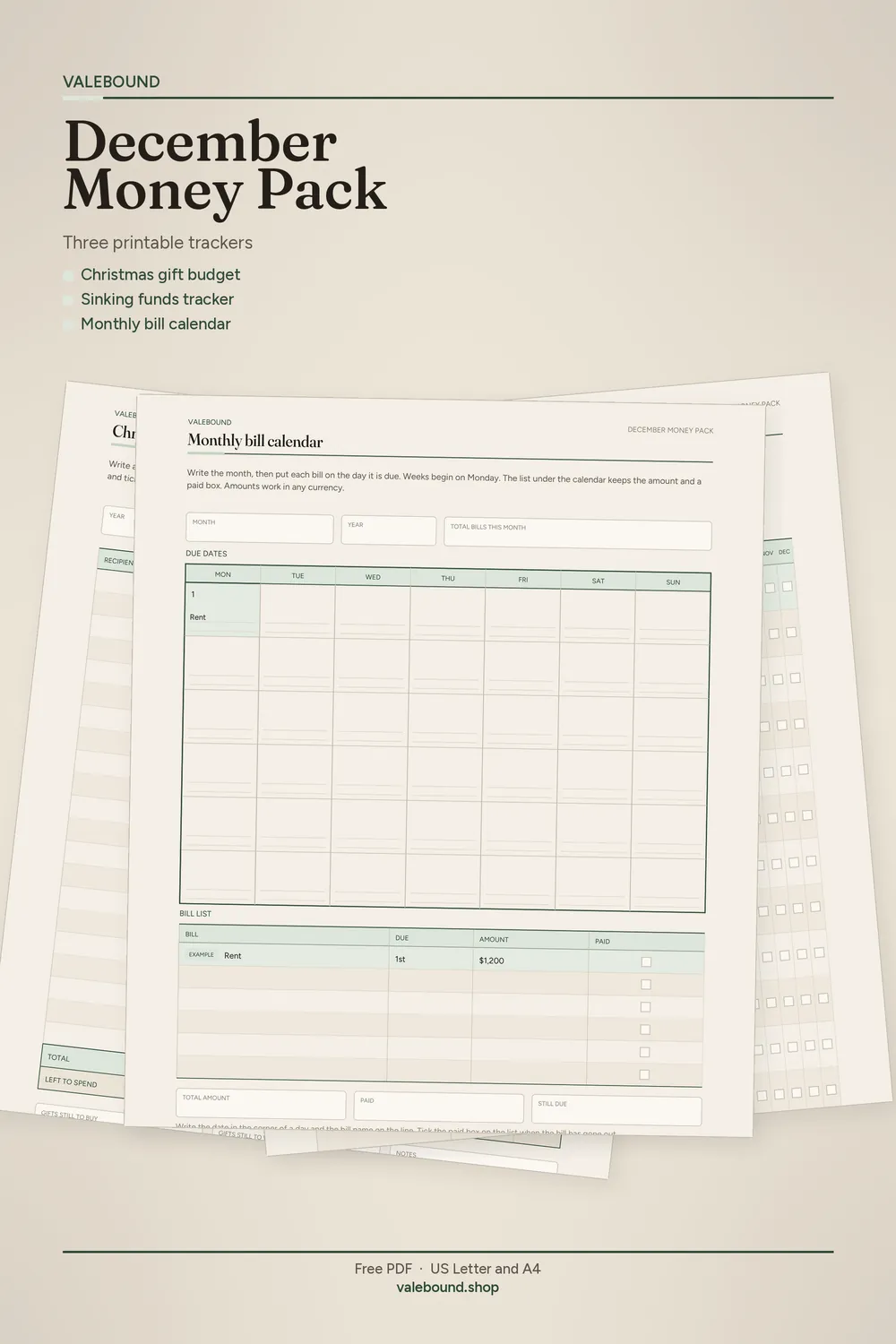
Free December Money Pack: three printable trackers for gifts, sinking funds and bills, sent to your inbox
Enter your email on the next page. The pack is sent to that inbox. You can unsubscribe at any time.
Get the free pack